

What does the GLP-1 medication tracker in Habits do?
Habits lets you:
- add a medication from the available list or create a custom entry;
- record the dosage you want to track;
- set a daily, weekly, monthly or custom schedule;
- choose medication reminder times;
- log a dose when you take it;
- see the next scheduled dose;
- review recent dose history;
- record side effects and look back at those entries;
- edit or remove medication records when needed.
Habits records the medication information you enter. It does not decide what medication or dose you should take.
Start with the schedule you want to keep track of.
When you add a medication, Habits guides you through the details needed to create the record.
Choose or create the medication
Select from the available medication list or create a custom entry.
Record the dosage
Enter the dosage you want shown in your Habits medication record.
Choose the schedule
Habits supports:
- Daily
- Weekly
- Monthly
- Custom
Choose reminders
Set the reminder times you want associated with that medication.
Important:
The schedule in Habits is a record you configure. Follow medication instructions from your prescribing healthcare professional.
Keep the next scheduled dose visible.
Once a medication schedule is configured, Habits shows a countdown to the next scheduled dose.
That gives you a simple place to check the date and timing you recorded without reconstructing the schedule yourself.
If your prescribed schedule changes, update the medication record in Habits so the tracker reflects the schedule you are actually following.
One tap to add the dose to your history.
When you take a dose, use the Log Dose action in Habits.
The app records the timestamp and adds the entry to your recent dose history.
That means the record is there later when you want to check when a dose was logged.
Look back without relying on memory.
Habits keeps a list of your recent logged doses.
Use the history when you want to check:
- which dose entries you recorded;
- when they were logged;
- how the current schedule has been recorded over time.
You can also edit or delete medication records when information needs to be changed.
Add reminders to the schedule you configured.
Habits lets you set local device reminders for each medication.
You can:
- choose reminder times;
- enable or disable reminders per medication;
- tap a medication notification to open the Medication area.
Once configured, the reminders are scheduled locally on the device and can work without an internet connection.
Supporting note:
A reminder can help keep a schedule visible, but it does not guarantee that a dose is taken.
Record what you noticed. Keep the record for later.
Habits includes side-effect logging inside the medication area.
Choose from the available side-effect list, add the entry and keep it in your history.
That can give you a clearer record of what you logged and when without trying to reconstruct several weeks from memory.
Habits does not diagnose a side effect, judge how serious it is or tell you how to treat it.
If you are worried about a symptom or medication reaction, contact an appropriate healthcare professional.
Keep medication beside the rest of the week.
Medication may be the reason you start tracking, but it is not the only thing you may want to look back on.
In Habits, the medication record can sit alongside:
- food and protein;
- hydration;
- movement;
- mood;
- sleep;
- weight and measurements;
- progress photos.
You decide which of those categories are useful to you.
Give yourself something concrete to check later.
Medication tracking is useful when the question is simple:
- When did I log the last dose?
- What schedule did I save?
- What side effect did I record that week?
- What information will I want in front of me before an appointment?
Habits keeps those user-entered records together so you can check the history instead of relying only on memory.
It does not turn that history into medication advice.
Put medication in the daily checklist if you want it there.
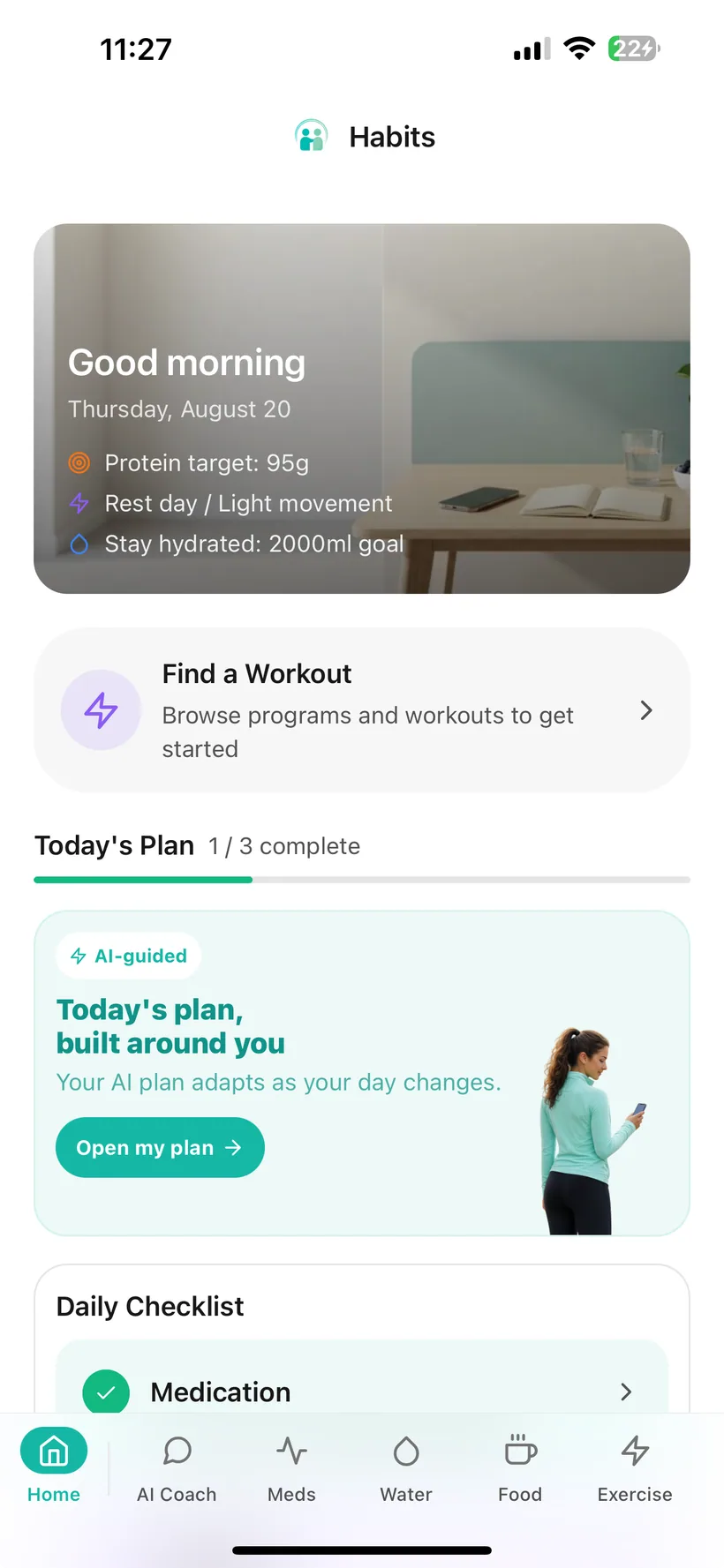
Medication is one of the categories you can choose to show in the Habits Today checklist.
Tap it to move into the Medication area when you need to review or update your record.
If you prefer a smaller daily checklist, you can control which categories are shown.
Medication tracking works without AI.
You do not need to enable AI to use the core medication tracker.
If you do enable Habits AI, medication is one of the data categories you can control separately in the AI Privacy Dashboard.
You can:
- switch AI processing off entirely;
- allow or block AI access to medication data separately;
- review recorded AI data-access events.
Habits currently uses OpenAI models for its optional AI features. Relevant information from categories you allow may be processed to provide those features.
Use your recorded information when you need a broader summary.
Medication is included in Habits reporting.
Weekly report
The Free weekly report includes medication and hydration sections.
Expanded reporting
Pro expands weekly reporting across additional tracked categories.
Doctor Report PDF
Habits can create a formatted PDF from information recorded in your account that you can choose to share with a healthcare professional.
The report is not clinician-authored and does not provide medication recommendations.
A tracker should not pretend to be your prescriber.
Habits can help you keep a medication schedule and history organised.
It does not:
- choose a GLP-1 medication for you;
- tell you what dose to take;
- recommend a dose increase or reduction;
- tell you how to handle a missed dose;
- tell you when to stop or restart treatment;
- calculate medication concentration in your body;
- diagnose or treat side effects;
- check drug interactions;
- provide emergency monitoring.
For medication decisions, missed-dose instructions, reactions or treatment questions, follow guidance from an appropriate healthcare professional or official medication information.
GLP-1 medication tracking questions
Can Habits track a weekly GLP-1 medication schedule?
Yes. Habits supports weekly schedules as well as daily, monthly and custom schedules.
Can I use Habits as a weekly injection tracker?
If the medication schedule you are following is weekly, Habits can record that weekly schedule, remind you at the times you configure and keep your logged-dose history. Injection-site tracking is not included in the current verified feature set for this website.
Can I set medication reminders?
Yes. You can choose reminder times for each medication and turn reminders on or off separately.
Does Habits tell me when my next dose is?
Habits shows the next scheduled dose based on the medication schedule you configured. It is reflecting your tracking setup, not prescribing when you should take medication.
Can I log that I took my dose?
Yes. Habits includes a dose-log action that records the timestamp and adds the entry to your medication history.
Can I see my previous doses?
Yes. Habits keeps recent logged-dose history.
Can I change my medication record?
Yes. Medication records can be edited or deleted.
Can I track side effects with my medication?
Yes. Habits includes side-effect logging and history in the medication area. It does not diagnose symptoms or recommend treatment.
Does Habits track injection sites?
Injection-site tracking is not included in the current verified feature reference for this website, so this page does not claim that capability.
Does Habits show medication concentration or drug levels?
No medication-level or concentration-curve feature is included in the current verified product reference.
Does Habits give missed-dose advice?
No. Habits does not tell you how to handle a missed dose. Follow the instructions provided for your medication or contact an appropriate healthcare professional.
Does medication tracking require AI?
No. Core medication tracking works without AI.
Can AI access medication data?
Only if AI is enabled and medication access is allowed in your AI category settings. You can change that setting.
Can medication information appear in a report?
Yes. Medication information can be included in Habits reports generated from your recorded data.
Which GLP-1 medications does Habits support?
Habits includes an available medication list and also allows a custom medication entry. This website should not publish a named support list until the production list has been verified and approved for public use.
Where can I download Habits?
Habits: GLP-1 Companion is available on the Apple App Store.
About this page
Last updated: 20 August 2026
This page describes Habits medication-tracking functionality and is intended to explain how the product works. It does not provide medication instructions or treatment advice.
For health education and medical information, use appropriate professional or authoritative health sources rather than this product page.
Keep the schedule visible. Keep the history with it.
Set up the medication schedule you want to track, add reminders, log doses and keep the record alongside the rest of your Habits data.
Habits: GLP-1 Companion is available now on the App Store.
Small print:
Habits records information you enter and is not a medication-prescribing or medical-diagnosis service. Follow treatment instructions from an appropriate healthcare professional.