

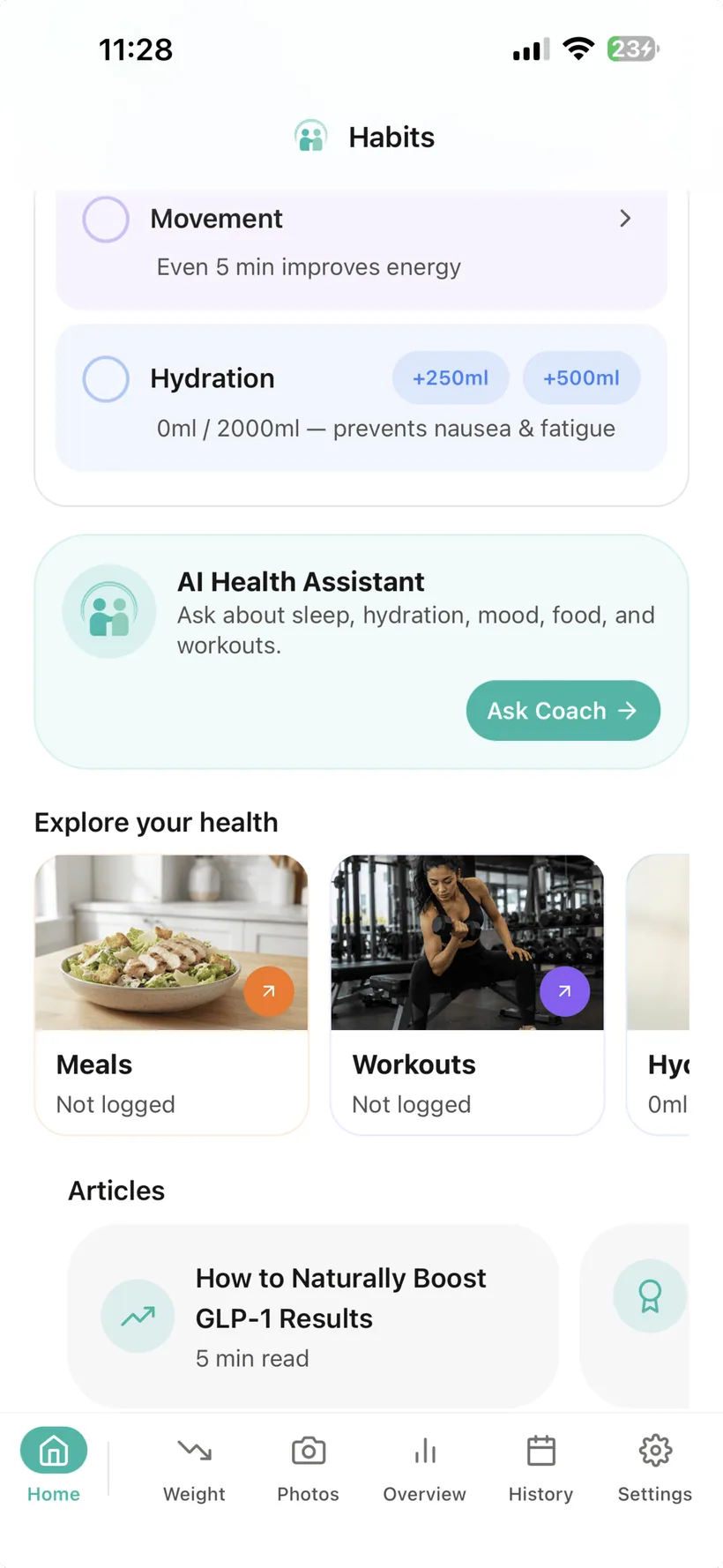
What nutrition information can Habits track?
Food entries in Habits can include:
- meal name;
- meal type;
- calories;
- protein;
- carbohydrates;
- fat.
Habits shows running daily totals for calories, protein, carbohydrates and fat.
You can create food entries manually, reuse meals from your personal library, or use supported AI-assisted photo and text logging.
AI-generated food values are estimates.
Choose the logging method that fits the meal.
Manual
Enter the meal and macro values yourself when you want direct control.
Saved meal
Reuse something from your personal meal library when it repeats.
Photo
Take or upload a food photo and review an AI-estimated meal and macro result before saving it.
Text
Describe the meal in ordinary language and let AI estimate the nutrition entry.
Manual and saved-meal logging do not require AI.
See your protein total alongside the rest of the meal record.
Protein is one of the macro values tracked in Habits.
As you add food entries, the food area keeps a running daily protein total alongside calories, carbohydrates and fat.
You can also set your own protein tracking goal in Habits Health Goals.
That goal is a number you configure for tracking. Habits does not determine the medically appropriate protein intake for you.
Enter the numbers yourself when you want direct control.
Manual food logging lets you record:
- the food or meal name;
- calories;
- protein;
- carbohydrates;
- fat;
- whether it was Breakfast, Lunch, Dinner or a Snack.
The entry becomes part of your food history and contributes to the daily macro totals.
Do not rebuild the same meal every time.
If you eat something regularly, save it to your personal meal library.
The next time it comes around, you can add the saved meal again instead of entering the whole record from scratch.
Use a food photo as a starting point.
Take or upload a food photo and Habits can use AI to return an estimated:
- food name;
- description;
- meal type;
- calories;
- protein;
- carbohydrates;
- fat.
You can review the result before saving it to your food log.
AI food analysis is an estimate. Portions, ingredients and preparation can change the result, and a photo may not reveal every ingredient. If you have a food allergy, verify ingredients independently rather than relying on AI photo analysis as an allergen check.
Type what you ate instead of building the entry line by line.
Habits also supports AI text food logging.
Describe the meal in natural language and Habits can return estimated nutrition information for the entry.
Review AI-generated values as estimates before relying on them for your own tracking.
Food tracking does not require AI.
You can use manual food logging and saved meals without enabling AI.
If you choose to use AI features, Food is one of the categories you can control separately in the Habits AI Privacy Dashboard.
Habits includes:
- a master AI switch;
- a Food category permission;
- an AI access history.
Habits currently uses OpenAI models for optional AI features. Relevant food information you allow may be processed to provide those features.
Turn food entries into a nutrition summary.
Habits can generate AI-assisted nutrition analysis from:
- the current day; or
- the previous week.
The analysis can include:
- an overview;
- positive observations;
- areas to review;
- automated suggestions;
- macro breakdown;
- meal-pattern observations.
Treat the output as automated tracking support, not a diagnosis or personalised medical nutrition prescription.
Create a seven-day meal plan with Pro.
Habits Pro includes an AI meal-plan generator.
The product is designed to use available preference information and nutrition-gap context when generating the plan.
Some advanced nutrition-preference functionality is rollout-controlled, so the exact personalisation options available may vary by account.
AI-generated meal plans are not medical nutrition therapy.
If you have a food allergy, verify every ingredient independently and do not rely on an AI-generated plan as the sole safeguard against allergens.
If you have a medical condition, a history of disordered eating or specific clinical nutrition needs, use appropriate professional guidance.
Use goals as tracking references—not medical prescriptions.
Habits lets you configure personal nutrition goals, including protein and other macro targets.
These goals help you compare your logged totals with the numbers you chose to track.
Habits does not determine the medically appropriate calorie or protein target for you.
Food does not have to live in a separate calorie app.
Nutrition is one part of a broader record in Habits.
Your food and protein entries can live in the same companion as:
- medication;
- hydration;
- exercise;
- mood;
- sleep;
- weight and measurements;
- progress photos.
That means you do not need one app for food and another just to keep the rest of your Habits record.
You still decide which categories are useful to you.
Tracking food is different from prescribing a diet.
Habits does not:
- tell you the medically correct calorie target for your body;
- tell you the medically correct protein target for your body;
- diagnose a nutritional deficiency;
- detect malnutrition;
- guarantee that AI-estimated macros are exact;
- tell you that a food will treat or prevent a side effect;
- promise to prevent muscle loss;
- provide medical nutrition therapy;
- replace a registered dietitian or qualified healthcare professional.
If you need individual nutrition advice for a medical condition, medication, allergy or other health need, use an appropriate qualified professional.
GLP-1 nutrition and protein tracking questions
Can Habits track protein?
Yes. Food entries include protein, and Habits keeps a running daily protein total alongside calories, carbohydrates and fat.
Can I set a protein goal?
Yes. Habits lets you configure your own protein tracking goal. It does not determine the medically appropriate protein intake for you.
Can Habits track calories?
Yes. Calories are included in manual food entries and daily totals.
Can Habits track carbohydrates and fat?
Yes. Manual food entries include carbohydrates and fat alongside calories and protein.
Does Habits track fibre?
Fibre tracking is not included in the current verified feature reference for this website, so this page does not claim it.
Does Habits scan food barcodes?
Barcode food scanning is not included in the current verified product reference, so this page does not claim that feature.
Can I log food manually?
Yes. You can enter the meal name, calories, protein, carbohydrates, fat and meal type manually.
Can I save meals I eat often?
Yes. Habits includes a personal saved-meals library so previously saved meals can be logged again.
Can I take a photo of my food?
Yes. Habits can use AI to estimate the food and macro breakdown from a photo before you save the result.
Are the macros from a food photo exact?
No. AI-generated food and macro values are estimates. Portion size, ingredients and preparation can affect the result.
Can I describe a meal instead of entering every value?
Yes. Habits supports AI text food logging that can estimate nutrition information from a natural-language meal description.
Does food tracking require AI?
No. Manual food logging and saved meals can be used without AI.
Which nutrition features are available in Free?
The Free tier includes manual food logging and access to supported AI food features within the Free daily AI allowance. The seven-day AI meal-plan generator is a Pro feature. Pro also has a higher daily AI allowance.
Can I switch off AI access to Food?
Yes. Food is one of the categories with a separate AI permission in the Habits AI Privacy Dashboard.
Does Habits provide a nutrition analysis?
Habits can generate AI-assisted nutrition analysis for the current day or previous week. It is automated tracking support, not a medical diagnosis or individual medical nutrition prescription.
Does Habits create meal plans?
Habits Pro includes a seven-day AI meal-plan generator. Some advanced preference functionality is rollout-controlled, so the exact personalisation available may vary. AI meal plans should not be relied on as the sole method for avoiding allergens.
Does Habits tell me how much protein I need on a GLP-1?
No. Habits can track protein and a goal you configure, but it does not prescribe an individual medical protein target.
Can Habits tell me what to eat to prevent muscle loss?
No. Habits does not promise to prevent muscle loss or prescribe a therapeutic diet. It can help you record protein and use exercise features elsewhere in the app.
Where can I download Habits?
Habits: GLP-1 Companion is available on the Apple App Store.
About this page
Last updated: 20 August 2026
This page describes current Habits food, nutrition and protein-tracking functionality based on the verified product feature reference.
It is product information, not a personalised diet, medical nutrition plan or clinical recommendation.
For individual medical nutrition needs, use an appropriate qualified healthcare professional.
Keep the food record useful enough to come back to.
Log manually when you want control. Save meals that repeat. Use a photo or a sentence when AI makes the entry easier.
Habits: GLP-1 Companion is available now on the App Store.
Small print:
Habits provides food and nutrition tracking. AI-generated food information is estimated and does not replace professional medical or nutrition advice.