

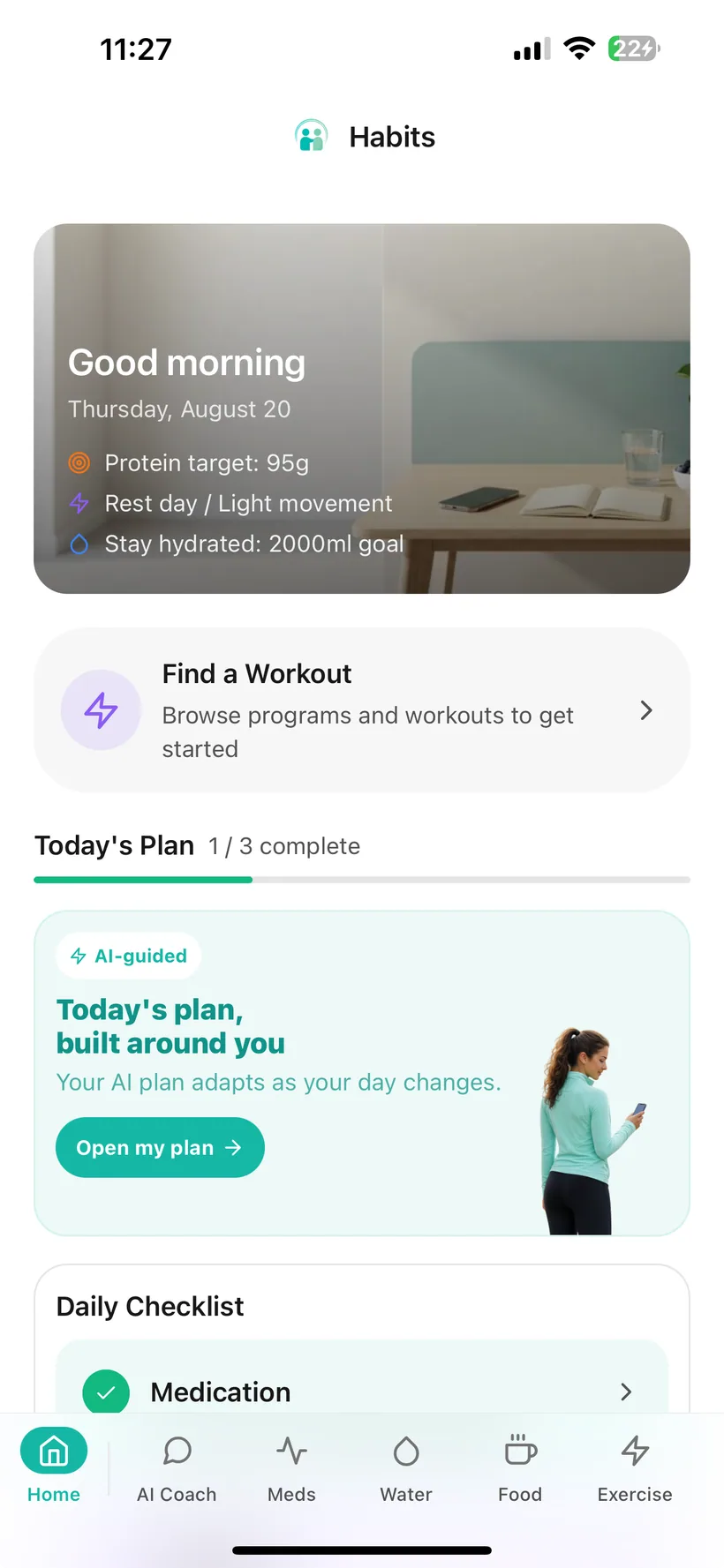
What can you record about side effects in Habits?
Habits lets you:
- open side-effect logging from the Medication area;
- choose a side effect from the available list;
- save the entry to your account;
- keep a history of the side-effect entries you recorded;
- use the same app for your medication schedule and dose history.
Habits records the information you choose to log.
It does not decide whether a symptom was caused by your medication, whether it is serious, or what treatment you need.
Add an entry when you want to keep a record.
Open the side-effect logger and choose from the available list.
The entry is then kept in your Habits history.
That gives you something concrete to look back on later instead of relying only on memory.
Medication and side-effect records belong close together.
A side-effect entry is easier to find later when it is not buried in a separate notes app.
In Habits, side-effect tracking sits inside the Medication feature, close to:
- the medication schedule you configured;
- the doses you logged;
- your recent dose history.
That keeps the records in one place without claiming that one entry caused the other.
Make the later question easier to answer.
A few days or weeks later, details can be difficult to reconstruct.
A simple record can help you answer questions such as:
- Did I log this before?
- What other side-effect entries had I already recorded?
- What had I recorded before my next healthcare appointment?
Habits helps preserve your entries so you can refer back to them.
The history is a record—not an interpretation.
A side effect is not the only thing you may want to remember.
Habits can also keep records for:
- medication;
- food and protein;
- hydration;
- exercise;
- mood;
- sleep;
- weight and measurements;
- progress photos.
You choose which of those categories are useful to you.
They remain separate records unless a specific Habits feature explicitly analyses them.
Keep side-effect records even if AI is off.
Core medication and side-effect recording remain available if you decline or disable AI processing.
Habits provides:
- a master AI switch;
- category-level AI permissions;
- an AI access history.
The current product reference does not separately define how side-effect entries map to the nine AI permission categories, so this page does not claim that a particular toggle governs every side-effect record.
Habits currently uses OpenAI models for optional AI features. For the current data flow and category controls, see the AI and data-controls page and Privacy Policy.
A side-effect log is not a symptom checker.
Habits does not:
- diagnose a symptom;
- decide whether a symptom is caused by your medication;
- tell you whether a side effect is normal;
- rate how medically serious a symptom is;
- tell you whether to change or skip a dose;
- recommend treatment for a side effect;
- check for drug interactions;
- provide emergency monitoring.
If you have questions or concerns about a symptom, medication reaction or treatment decision, contact an appropriate healthcare professional. If you think you may be having a medical emergency, seek urgent medical care.
Keep the record available when you need to review your Habits history.
Habits includes weekly reporting and a Doctor Report PDF built from information recorded in the app.
The current verified product reference confirms medication reporting, but it does not establish that every side-effect entry is included in every report.
For that reason, this page does not promise that side-effect history will appear in a particular report format.
Use the app controls available for sensitive records.
Side-effect information can be personal.
Habits includes:
- Face ID or Touch ID app locking on supported devices;
- AI consent controls;
- a master AI switch;
- category-level AI permissions;
- AI access history;
- CSV and JSON data export;
- re-authenticated account deletion.
Optional AI features use permission controls inside Habits. The current product reference does not separately define how side-effect entries map to those AI categories, so refer to the current Privacy Policy and in-app AI Privacy Dashboard for the production data flow. Habits currently uses OpenAI models for optional AI functionality.
GLP-1 side-effect tracking questions
Can I log side effects in Habits?
Yes. Habits lets you choose from an available side-effect list and keeps a history of the entries you recorded.
Is Habits a symptom checker?
No. Habits is a tracking app. It does not diagnose symptoms, determine their cause or tell you what treatment is needed.
Does Habits tell me whether a side effect is normal?
No. Habits does not decide whether a symptom is expected, normal or dangerous.
Can Habits tell me whether my medication caused a symptom?
No. Keeping medication and side-effect records in the same area does not establish causation.
Does Habits rate side-effect severity?
A side-effect severity scale is not included in the current verified feature reference for this website, so this page does not claim one.
Can I write custom side effects?
Custom side-effect creation is not established in the current verified product reference, so this page does not claim that feature.
Can I add notes to a side effect?
Side-effect notes are not established in the current verified feature reference for this website, so this page does not claim them.
Does Habits show side effects on a dose-cycle timeline?
No dose-cycle side-effect timeline or medication-level overlay is included in the current verified product reference for this website.
Can Habits recommend what to do about a side effect?
No. For treatment advice, medication changes or concerns about a symptom, contact an appropriate healthcare professional.
Do I need AI to track side effects?
No. Core medication and side-effect tracking remain available if AI is declined or disabled.
Can AI access my side-effect information?
Core side-effect recording does not require AI. Habits has a master AI switch and category-level permissions, but the current product reference does not separately define how side-effect entries map to those categories. See the current AI Privacy Dashboard and Privacy Policy for the production data flow.
Will my side effects appear in the Doctor Report?
The current verified product reference does not specify every field included in the Doctor Report, so this website does not promise side-effect inclusion until the report is separately audited.
Can I export my Habits data?
Yes. Habits supports CSV and JSON export of logged health data.
Where can I download Habits?
Habits: GLP-1 Companion is available on the Apple App Store.
About this page
Last updated: 20 August 2026
This page describes the current Habits side-effect recording functionality based on the verified product feature reference.
It is product information, not medical guidance about GLP-1 side effects.
For questions about symptoms, medication reactions or treatment, use an appropriate healthcare professional or authoritative health-information source.
Keep the record while the detail is still useful.
Add a side-effect entry, keep the history beside your medication records and come back to what you logged later.
Habits: GLP-1 Companion is available now on the App Store.
Small print:
Habits records information you enter. It does not diagnose symptoms, provide treatment or recommend medication changes.