

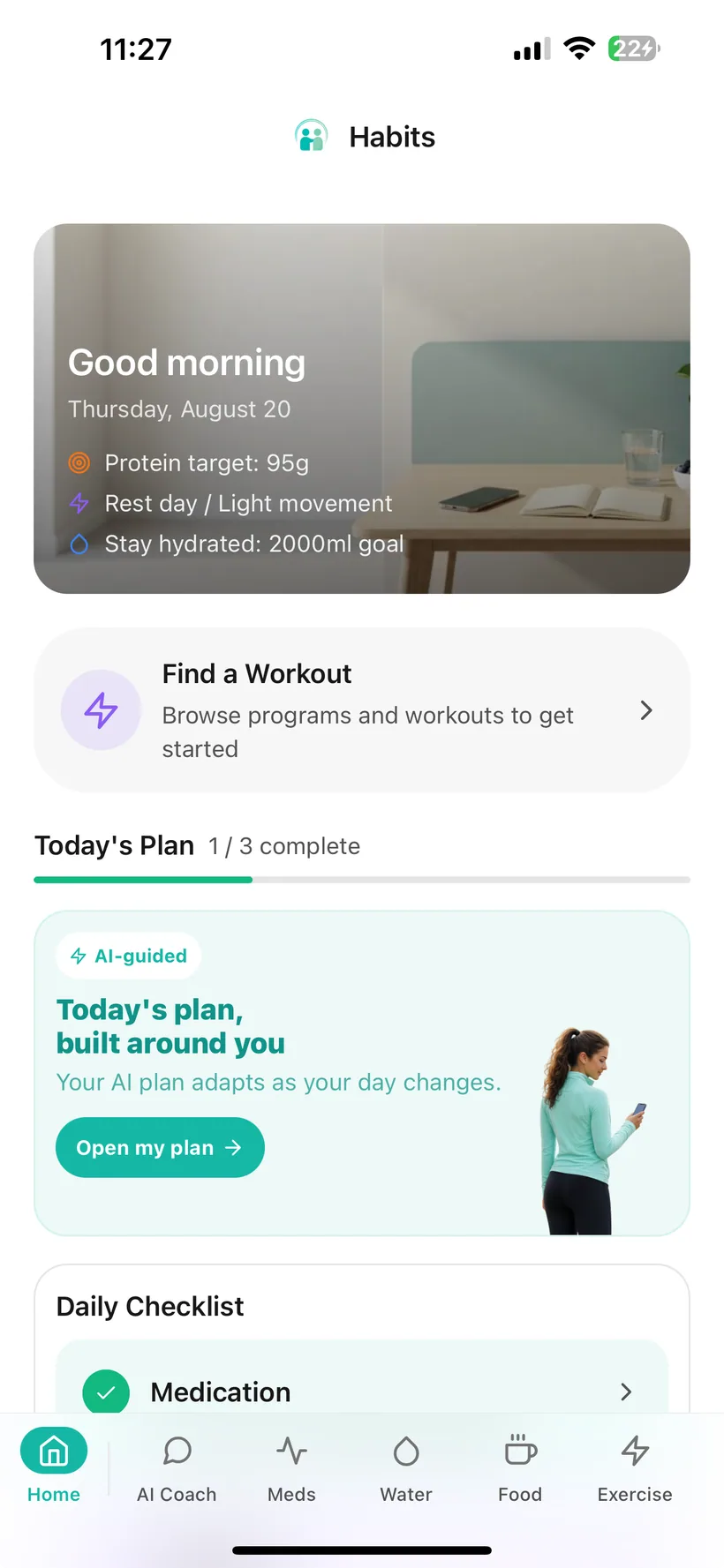
What can Habits record for Mood and Sleep?
Mood
Habits lets you:
- choose from a five-point Mood scale;
- add an optional note;
- review a monthly Mood calendar;
- look back at Mood history;
- see a Mood logging streak;
- see how many Mood entries you logged during the week.
Sleep
Habits lets you:
- record hours and minutes slept;
- choose a Sleep-quality rating;
- add an optional note;
- review Sleep history;
- set your own Sleep tracking goal;
- use Sleep as a supported streak category.
Mood and Sleep can also appear in your Today checklist and Today overview.
These are records you enter. They are not mental-health or sleep diagnoses.
The core Mood and Sleep trackers are included in Free.
The current Habits entitlement reference includes Mood and Sleep tracking in both Free and Pro.
It also includes AI Insights in both tiers when AI is enabled.
The expanded weekly report that includes Mood and Sleep is a Pro feature. The Free weekly report contains Medication and Hydration.
Choose the Mood label that best matches the check-in you want to record.
The current Habits Mood scale is:
- Awful
- Bad
- Okay
- Good
- Great
Each rating has an associated visual in the app.
You can also add an optional text note to the entry.
Look back at Mood entries across the month.
Habits includes a monthly calendar with colour-coded Mood dots.
Use it to see which Mood check-ins you recorded on different days.
The calendar is a history view. It does not explain why a Mood changed.
Keep the previous check-ins available.
Habits keeps a chronological Mood history.
If you added a note to an entry, that note stays with the check-in record.
This gives you something to look back on without relying only on memory.
If you use consistency features, Mood has its own logging indicators.
Habits shows:
- a current Mood logging streak;
- the number of Mood entries recorded during the current week.
Those indicators reflect app-recorded check-ins.
They do not measure emotional wellbeing or mental-health improvement.
Add the amount of Sleep you want to record.
Habits Sleep logging lets you enter:
- hours slept;
- minutes slept.
The entry becomes part of your Sleep history.
Record how you rated the night's Sleep.
The current Sleep-quality options are:
- Poor
- Fair
- Good
- Excellent
You can also add an optional note.
The quality rating is your recorded check-in. It is not a clinical Sleep score.
Keep previous Sleep entries available.
Habits includes a Sleep history list containing your recorded entries.
Use it when you want to look back at:
- Sleep duration;
- Sleep quality;
- notes you chose to enter.
Use a Sleep goal as a tracking reference you choose.
Habits lets you configure a Sleep goal.
That gives you a number to compare with the Sleep duration you record.
Habits does not determine how much Sleep you medically need.
If you need individual Sleep guidance because of a health condition, medication, symptoms or a diagnosed Sleep disorder, use appropriate professional advice.
Keep Mood and Sleep visible if they matter to your daily routine.
Both Mood and Sleep can be enabled as items in the configurable Today checklist.
The Today overview chart can also be switched to:
- Mood;
- Sleep.
Mood is additionally available as a Today shortcut.
Use the privacy controls available for Mood and Sleep records.
Mood notes and Sleep records can be personal.
Habits includes:
- Face ID or Touch ID app locking on supported devices;
- a master AI on/off control;
- separate AI permissions for Mood and Sleep;
- an AI access history;
- PII masking for supported AI processing;
- health-data export in JSON or CSV;
- re-authenticated account deletion.
PII masking filters identifiers such as names, phone numbers and health IDs from supported AI requests. Relevant Mood or Sleep context you allow may still be processed to provide an enabled AI feature.
Mood can use supported conversational logging when AI is enabled.
For supported entries, Habits AI can interpret a Mood entry from natural-language input and add it to the Mood tracker.
Core Mood logging also works without AI.
Decide whether AI may access each category.
The Habits AI Privacy Dashboard includes separate permissions for:
- Mood
- Sleep
You can also:
- switch AI processing off entirely;
- review recorded AI data-access events.
Habits currently uses OpenAI models for optional AI features. Relevant information from categories you allow may be processed to provide enabled AI functionality.
Review Mood and Sleep in the wider Habits analytics view.
Habits Analytics includes Mood and Sleep tracking views.
Use supported 7-, 30- and 90-day periods to review the data recorded in the app.
The analytics show your logged records.
They do not diagnose a mental-health condition or Sleep disorder.
Optional AI can look for patterns across the records you allow.
Habits includes AI-generated insights across recorded health data.
Mood and Sleep can be among the categories used when the relevant AI permissions are enabled.
An insight may describe a trend or correlation in your logged data.
A correlation does not prove that one behaviour caused another, and an AI insight is not a diagnosis.
Habits also has an internal AI insight type described in the product reference as an “Alert if something looks concerning.” This website deliberately does not market that capability because its thresholds and escalation logic have not been clinically validated in the supplied evidence.
Include Mood and Sleep in the expanded weekly record with Pro.
The full Pro weekly report covers Mood and Sleep alongside additional Habits categories.
The Free weekly report includes Medication and Hydration; Mood and Sleep are part of the expanded Pro report.
Sleep is also one of the supported Habits streak categories.
For the global Sleep streak, the current product logic counts an active Sleep day when at least one Sleep entry is recorded.
A Sleep streak measures recorded app activity—not Sleep quality or health improvement.
The check-in can stay beside the rest of your routine.
Mood and Sleep can live in the same Habits record as:
- medication;
- food and protein;
- hydration;
- exercise;
- weight and progress.
That keeps the records close without claiming that one caused another.
A Mood or Sleep log is not a clinical assessment.
Habits does not:
- diagnose depression or anxiety;
- diagnose insomnia or another Sleep disorder;
- detect suicidal thoughts or mental-health emergencies;
- determine why your Mood changed;
- determine why you slept poorly;
- prove that Sleep caused a Mood change;
- calculate Sleep stages;
- diagnose Sleep apnoea;
- tell you how much Sleep you medically need;
- provide psychotherapy or Sleep treatment.
If you need individual support for your Mood, mental health, Sleep or a medical concern, use an appropriate qualified professional.
If you believe you may be experiencing a medical or mental-health emergency, seek urgent professional help.
GLP-1 Mood and Sleep tracking questions
Are Mood and Sleep tracking included in Free?
Yes. The current entitlement reference includes Mood and Sleep tracking in both Free and Pro.
Can Habits track Mood?
Yes. Habits includes a five-point Mood check-in, optional notes, a monthly Mood calendar and Mood history.
What Mood scale does Habits use?
The current labels are Awful, Bad, Okay, Good and Great.
Can I add notes to a Mood entry?
Yes. Mood entries can include optional text notes.
Can I see Mood across a month?
Yes. Habits includes a monthly Mood calendar with colour-coded dots for recorded days.
Does Mood have a streak?
Yes. The Mood feature includes a current Mood logging streak and the number of Mood entries logged during the week.
Does Habits diagnose depression or anxiety?
No. Mood entries are self-recorded check-ins, not mental-health screening or diagnosis.
Can Habits track Sleep?
Yes. You can record Sleep duration, Sleep quality and optional notes.
What Sleep-quality options are available?
The current options are Poor, Fair, Good and Excellent.
Can I set a Sleep goal?
Yes. You can configure your own Sleep tracking goal. Habits does not determine the medically appropriate amount of Sleep for you.
Does Habits automatically detect when I sleep?
Automatic passive Sleep detection is not included in the current verified product reference for this website.
Does Habits import Sleep from Apple Health?
The current connected-health reference includes Steps, Heart Rate, HRV and Blood Oxygen. It does not list Apple Health Sleep import, so this website does not claim automatic Sleep sync.
Does Habits connect to Oura or Fitbit for Sleep?
Direct Oura or Fitbit Sleep integration is not included in the current verified product reference for this website.
Can I log Mood through AI chat?
When AI is enabled, supported conversational logging can add Mood information from natural-language input.
Can I log Sleep through AI chat?
Sleep is not explicitly listed in the current verified conversational auto-logging categories, so this website does not claim AI Sleep logging.
Do Mood and Sleep require AI?
No. Core Mood and Sleep tracking work without AI.
Can I lock Habits with Face ID or Touch ID?
Yes. Habits includes biometric app locking on supported devices.
Can I control AI access separately?
Yes. Mood and Sleep each have separate permissions in the Habits AI Privacy Dashboard.
Can Habits show Mood/Sleep patterns?
Habits includes optional AI insights that can surface trends and correlations from allowed data. Those insights do not prove causation and are not diagnoses.
Are Mood and Sleep included in reports?
Mood and Sleep are included in the expanded Pro weekly report.
Does Sleep have a streak?
Yes. Sleep is one of the five global Habits streak categories. An active Sleep day is based on at least one recorded Sleep entry.
Where can I download Habits?
Habits: GLP-1 Companion is available on the Apple App Store.
About this page
Last updated: 20 August 2026
This page describes current Habits Mood and Sleep recording functionality based on the verified product feature reference.
It is product information, not mental-health screening, Sleep diagnosis or treatment advice.
Mood notes and Sleep records may be sensitive personal information; this page therefore emphasises the available privacy controls and avoids advertising-platform use of that data.
For individual concerns about Mood, mental health, Sleep or a medical condition, use an appropriate qualified professional.
Keep the check-ins simple enough to revisit later.
Record Mood when it is useful. Add Sleep duration and quality. Review the history without asking the app to turn a check-in into a diagnosis.
Habits: GLP-1 Companion is available now on the App Store.
Small print:
Habits records Mood and Sleep information you enter. It does not provide mental-health or Sleep diagnosis or treatment.