

The short version
AI Food Photo logging in Habits works in four steps:
- Take or choose a Food photo.
- Habits analyses the image with optional AI.
- Review the estimated meal and macro information.
- Save the result as a Food log entry if it is useful.
The current verified result includes estimated:
- calories;
- Protein;
- carbohydrates;
- fat.
Because the estimate comes from an image, the numbers can be wrong.
If you want direct control over the values in your Food record, Habits also supports manual Food logging.
Start from Today or open Food & Nutrition
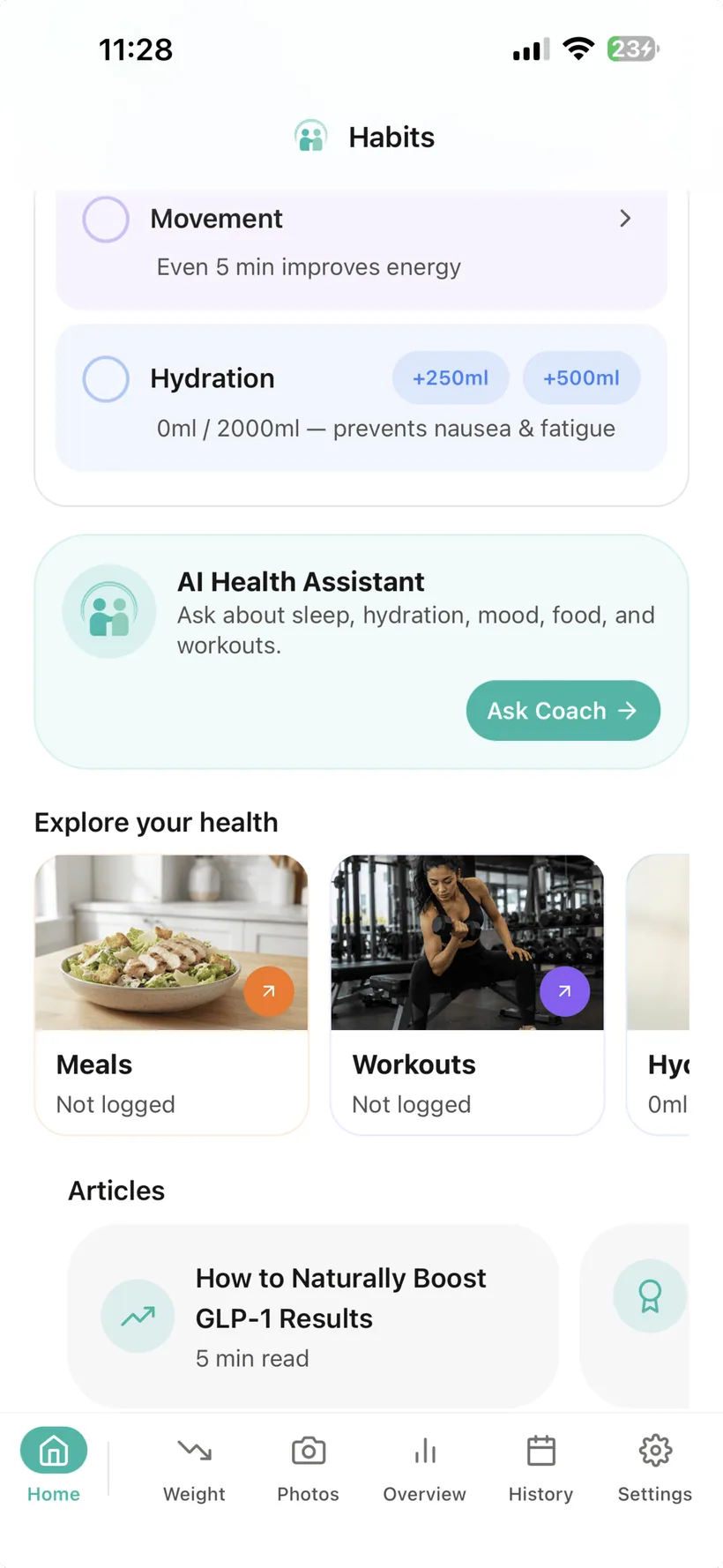
The current Habits Today screen includes a Meals Health Shortcut that opens Food logging.
Food & Nutrition supports several logging modes, including:
- Manual;
- Saved Meals;
- AI Food Analysis;
- the Pro 7-day AI Meal Plan.
This guide focuses only on the AI Food Photo workflow.
1. Start with a meal photo
The current AI Food Photo feature supports:
- taking a new photo; or
- choosing a photo from your device.
Habits only needs the image you choose for the Food Photo action; the exact iPhone permission/picker experience depends on the current shipped implementation.
Try to use an image where the meal itself is clearly visible.
Keep unrelated personal information out of the image
A Food photo can accidentally include more than Food.
Before using it, check the frame for things you do not need to send with a meal image, such as:
- another person's face;
- a name or address;
- an ID card;
- medical paperwork;
- other sensitive information.
Crop the image where useful.
2. Review what the image analysis found
The current product reference says an AI Food Photo result can include:
- Food name;
- a short description;
- meal type;
- estimated calories;
- estimated Protein;
- estimated carbohydrates;
- estimated fat.
The numbers are estimates
A meal photo does not necessarily show:
- the exact portion size;
- every ingredient;
- cooking oils;
- sauces;
- fillings;
- recipe quantities;
- how the Food was prepared.
Two meals that look similar can have different nutrition.
That is why Habits should not present Food Photo values as exact measurements.
3. Treat the result as a draft Food record
Before saving the result, look at whether the estimated Food and macro information is a reasonable representation of what you intended to record.
If it does not match the meal well enough, do not treat the estimate as authoritative.
You can use another Habits Food-logging method instead, including manual entry.
Important
This guide does not claim that every AI result field can be individually edited before saving until the current running UI confirms that behaviour.
A correction path matters because the product should not make a fast AI estimate easier to save than it is to fix.
If the current build has no practical correction flow, treat that as a Product issue rather than hiding it in copy.
4. Save the estimate when it is useful
The current product reference supports saving the AI Food Photo result as a Food log entry.
Once saved, the entry contributes to the Food/Nutrition record in Habits.
The current Food area shows daily totals for:
- calories;
- Protein;
- carbohydrates;
- fat.
An estimate becomes part of the record when you save it
That means a wrong estimate can affect the daily calorie and macro totals shown from saved Food entries.
If accuracy matters for a particular entry, review the result rather than assuming the photo analysis is correct.
Some information simply is not visible in an image
A Food photo may be useful for identifying obvious Foods and estimating broad quantities.
It may not reveal:
- ingredients inside a mixed dish;
- oil or butter used in preparation;
- sugar in a sauce;
- exact recipe quantities;
- the nutrition label from a packaged product;
- ingredients outside the camera frame.
So the Food Photo result should not be treated as a replacement for information you already know from:
- a package label;
- a recipe;
- restaurant ingredient information;
- your own measured portion.
Do not use a Food photo as an allergen check
A meal image may not show every ingredient.
If you have a Food allergy, verify ingredients independently rather than relying on Habits AI Food Photo as the sole safeguard.
Habits does not claim that the feature can determine whether a meal is safe for a particular allergy.
Keep the verified nutrition fields clear
The current verified AI Food Photo fields for this website are:
- calories;
- Protein;
- carbohydrates;
- fat.
This guide does not currently claim Food Photo output for:
- Fibre;
- sodium;
- vitamins;
- minerals;
- other micronutrients.
Habits also does not currently have a verified barcode-scanning feature in the website product reference.
Manual Food logging remains available
AI Food Photo is optional.
You can keep using the core Food tracker without optional AI.
Manual Food entry lets you record:
- meal name;
- meal type;
- calories;
- Protein;
- carbohydrates;
- fat.
Habits also includes a Saved Meals library for Foods/meals you want to re-log.
Why that matters
A photo can be faster on some days.
Manual entry can be better when:
- you already know the numbers;
- the meal is difficult to infer from a photo;
- you want to record a packaged or prepared Food from known information;
- you do not want to use optional AI.
Learn more: Nutrition & Protein →
The feature is not Pro-only
The current Habits plan matrix includes AI Food Photo Analysis in:
- Free;
- Pro.
It uses the applicable daily AI allowance.
Pro has a higher daily AI allowance than Free.
Exact AI usage limits
This guide does not publish a numeric request limit until the website's Pricing/AI quota semantics have been finalised.
Food Photo sits inside Habits' optional AI system
Habits' core Food tracker does not require optional AI.
If you choose to use AI features, Habits includes:
- a master AI control;
- separate AI permissions by data category;
- an AI access history.
Habits currently uses OpenAI models for optional AI features.
Before third-party AI processing, the production consent flow must clearly explain that relevant personal data may be shared with the third-party AI provider and obtain the required permission.
Learn more: Privacy & AI Data Controls →
A photo is not the only AI-assisted Food input
Habits also supports AI Text Food Logging.
With text logging, you describe the meal in words and Habits estimates the Food/macros from the description.
That can be useful when a photo would hide important information that you can describe directly.
Both AI Food Photo and AI Text Food Logging use the daily AI allowance.
AI Food Photo questions
What does Habits estimate from a Food photo?
The current verified result includes estimated:
- calories;
- Protein;
- carbohydrates;
- fat;
along with Food/meal description information.
Are the calories exact?
No.
They are AI estimates based on the image.
Can Habits know every ingredient from a photo?
No.
Some ingredients, preparation methods and quantities may not be visible.
Can I take a new photo or choose one I already have?
The current product reference supports both.
The exact iPhone permission/picker experience depends on the shipped implementation. If Habits uses Apple's system Photos picker, iOS can let you select only the image you choose without granting broad library access.
Does Habits need access to my whole Photo Library?
This guide does not claim that it does.
Apple provides a system Photos picker that can share only the selected image with an app. The current Habits implementation should be checked before we describe its exact permission model.
Can I save the result to my Food log?
Yes.
The current feature supports saving the result as a Food log entry.
What does the confidence score mean?
The internal feature reference contains a confidence field, but Habits does not publish a meaning for it on this guide until the current UI, scale and calibration are verified.
A high-looking confidence value should never be interpreted as proof that calories, portion size or ingredients are exact.
Does the Food Photo result include Fibre?
Fibre is not in the current verified Food Photo output fields for this website.
Does Habits scan food barcodes?
Barcode Food scanning is not included in the current verified Habits feature reference.
Is AI Food Photo an allergen detector?
No.
Do not rely on a photo estimate as the sole way to determine whether a Food is safe for an allergy.
Do I need Pro for AI Food Photo?
No.
The current plan matrix includes AI Food Photo in Free and Pro within the applicable AI allowance.
Do I have to enable AI to track Food?
No.
Manual Food logging and Saved Meals remain available without optional AI.
Does Habits use OpenAI for this feature?
Habits currently uses OpenAI models for optional AI features.
The detailed image-processing and retention terms should be read in the current Habits Privacy Policy once finalised.
Can I use the estimate as medical nutrition advice?
No.
AI Food Photo is a tracking aid, not medical nutrition therapy or personalised dietetic advice.
Use a photo when it saves effort. Keep the estimate in perspective.
Take or choose a meal photo, review the estimated Food and macros, and save the result when it is useful.
Small print:
AI Food Photo results are estimates and can be incorrect. Habits is a health tracking and habit-support application and does not provide medical nutrition therapy.