

The short version
Progress Photos
Habits lets you add Progress Photos over time and view them in the Photos area.
Body Measurements
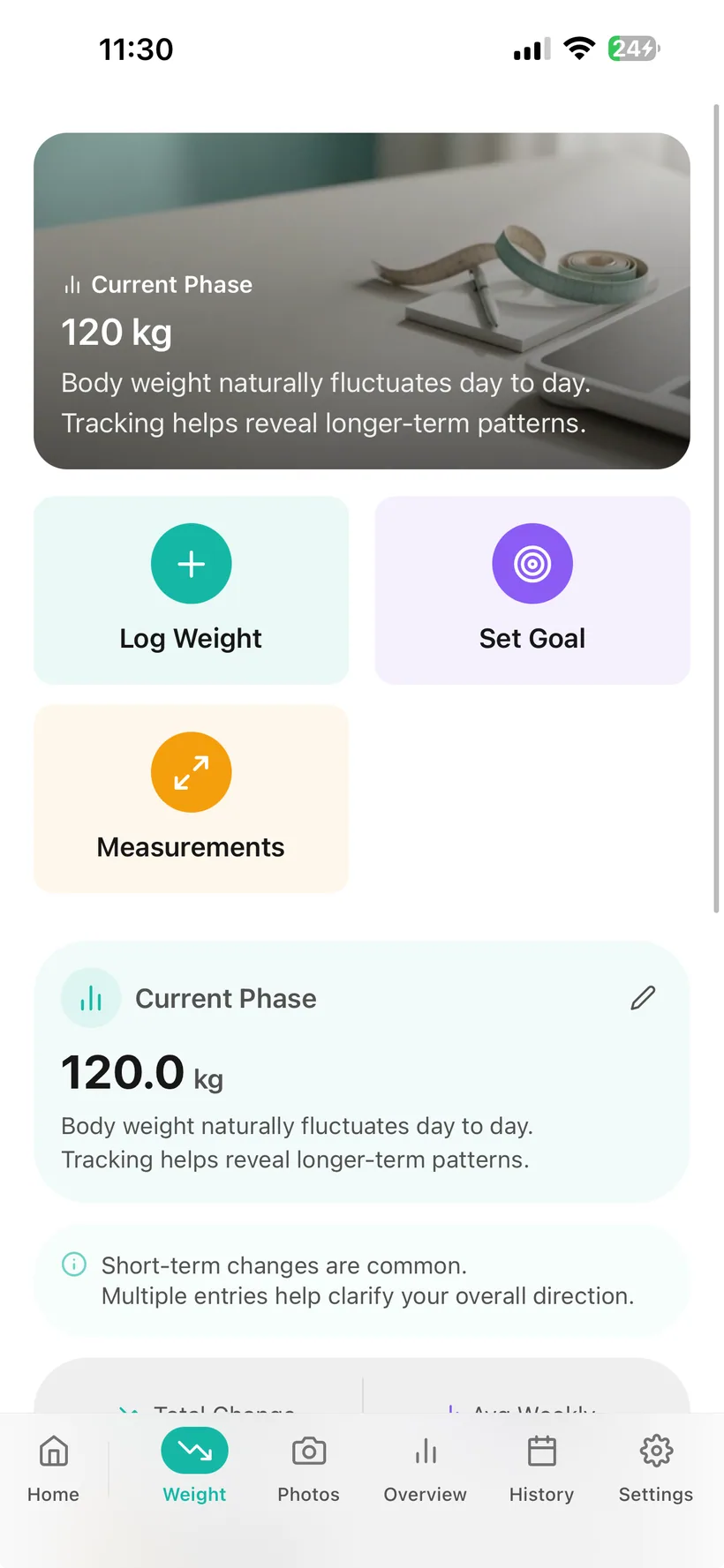
Habits also lets you record body measurements separately from Weight.
The current product source gives examples such as:
- waist;
- chest;
- hips.
What these records mean
Progress Photos and circumference measurements are personal tracking records.
They are not direct measurements of:
- body-fat percentage;
- lean mass;
- muscle mass;
- clinical treatment success.
A visual record is different from a Weight record
The current product keeps Progress Photos in a separate Photos area.
That matters because:
a photo is not a Weight measurement
and:
a Weight change does not explain every visual change.
Habits does not use a Progress Photo as a substitute for:
- scale Weight;
- Body Measurements;
- clinical body-composition testing.
Keep a visual record if it is useful to you
Progress Photos are optional personal records.
They can help you keep a visual timeline alongside other Habits tracking.
You do not need to use Progress Photos to use:
- Medication;
- Hydration;
- Food;
- Exercise;
- Mood;
- Sleep;
- Weight.
Body-neutral language
Habits should not label one photo:
good
and another:
bad.
A photo records appearance at a point in time.
It does not establish:
- health;
- fitness;
- treatment effectiveness;
- self-worth.
Keep Progress Photos focused on the record you intend to save
When choosing a Progress Photo, avoid including other people or identifying background details unnecessarily.
Only add a photo you have the right to save in Habits.
Track selected measurements separately from scale Weight
Habits includes Body Measurements inside the broader progress-tracking system.
The source gives examples including:
- waist;
- chest;
- hips.
These are separate records from Weight.
A measurement is not body composition
A circumference measurement does not directly tell you:
- body-fat percentage;
- lean mass;
- muscle mass;
- visceral fat;
- metabolic health.
Habits does not currently verify those calculations.
This guide does not claim AI analyses your Progress Photos
Habits has optional AI features elsewhere in the app.
The current product source does not verify an AI feature that:
- analyses Progress Photos;
- compares body images;
- estimates Weight/body fat;
- scores visual change.
Habits includes account deletion with re-authentication.
Deleting the Habits account should remove account-linked Habits data according to the final verified deletion policy.
Habits includes biometric app locking on supported devices.
That can add a layer of privacy when someone else has physical access to your phone.
Important
Biometric Lock does not replace:
- secure server authorization;
- secure photo storage;
- account security;
- deletion controls.
Your record does not need to become a before-and-after story
Habits should not require dramatic transformation imagery to make Progress Photos useful.
A Progress Photo can simply be:
a record you chose to keep.
“Beyond the scale” still has limits
Progress Photos and circumference measurements can add context to your own record.
They do not directly measure:
- body-fat percentage;
- visceral fat;
- lean body mass;
- muscle mass;
- bone density.
If someone needs clinically meaningful body-composition measurement, that requires an appropriate method outside what this feature currently verifies.
Progress Photos are currently included in Free and Pro
The current plan matrix explicitly lists:
Progress photos
in both Free and Pro.
Body Measurements entitlement
The current source places Body Measurements in the core Weight/Measurements area, but the Free/Pro table does not separately name Measurements.
Progress Photos & Body Measurements questions
Keep the progress records that are useful to you.
Progress Photos and Body Measurements give you two optional ways to keep context alongside Weight.
Small print:
Progress Photos and Body Measurements are personal tracking records. They are not medical body-composition measurements and do not establish health outcomes.